Data display
Clicking in the map opens a data window that displays information about the selected area, symbol or diagram. The information displayed in the data window is defined in the advanced settings when releasing. If several analyses are on top of each other, the data refers to the top analysis.
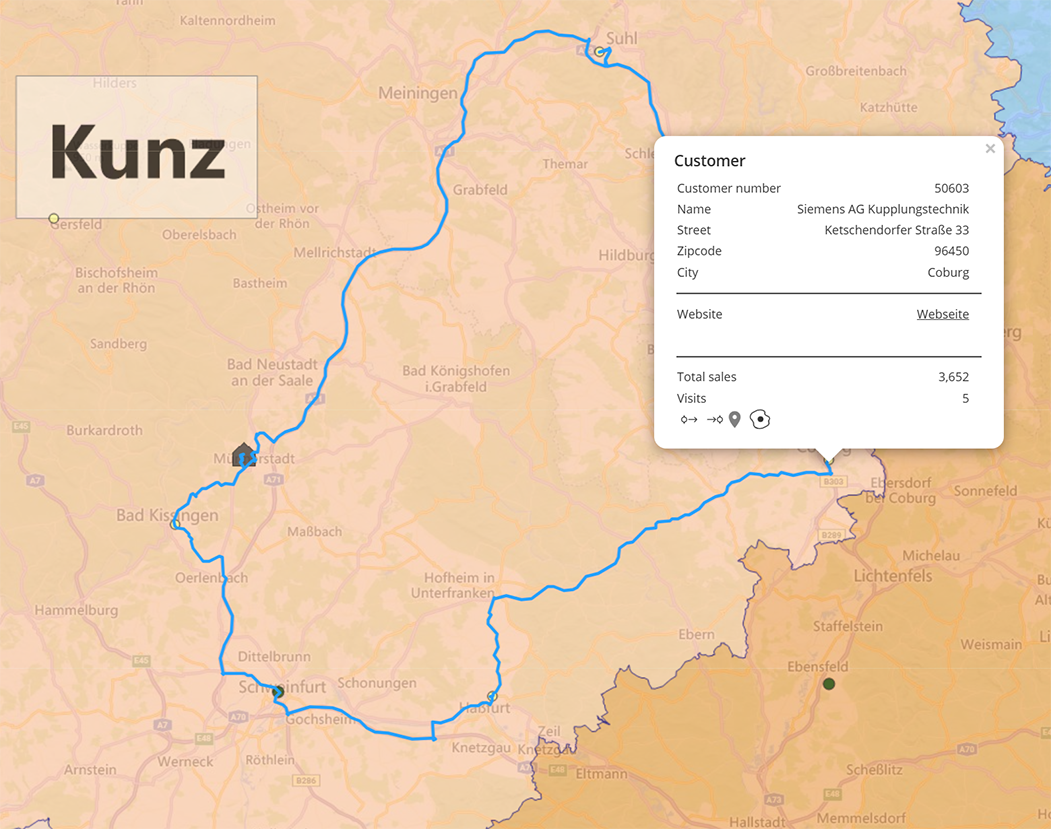
If there are several data records for the selected area or object, it is possible to switch between the entries in the lower area of the data window.
