Insert a Base Map
To be able to work with EasyMap at all, a base map must first be selected.
Proceed as follows to select the base map:
- In the control window Base Maps click on [>] left of Demo Maps. If you have closed the window, you can reopen it via the menu Window > Control windows > Base maps.
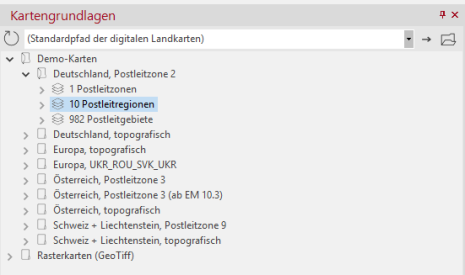
- Then click on [>] left of Germany, Postleitzone 2.
- Click on 10 postcode regions and drag them from the drag&drop control window (hold down left mouse button and drag) onto "Sheet 1".
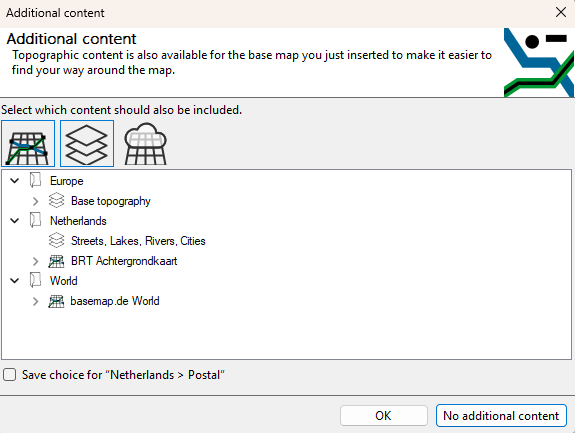
You will then be asked whether additional content should be included. Select Topography layer > Roads, rivers, lakes, towns.
The base map is now visualized on the map. In the control window Content all layers contained in the map are also listed.
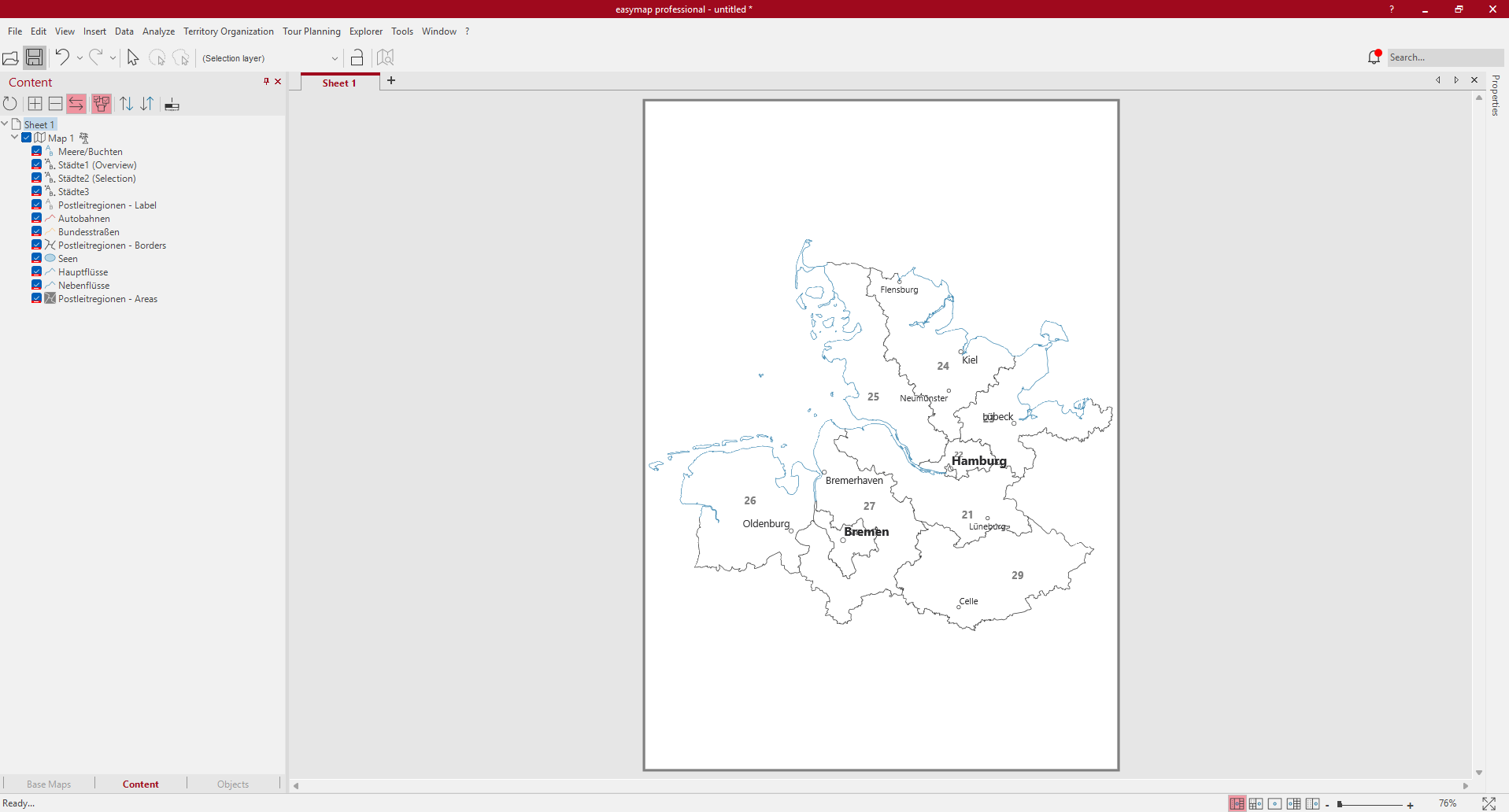
All levels in the Content control window have three states; these states are required for the automatic zoom function, which controls the map view depending on the scale.

|
visible depending on the scale |

|
always visible |

|
never visible |
Continue with the next step - Import data.
